Reviews and Team Collaboration
Approvals and Reviews
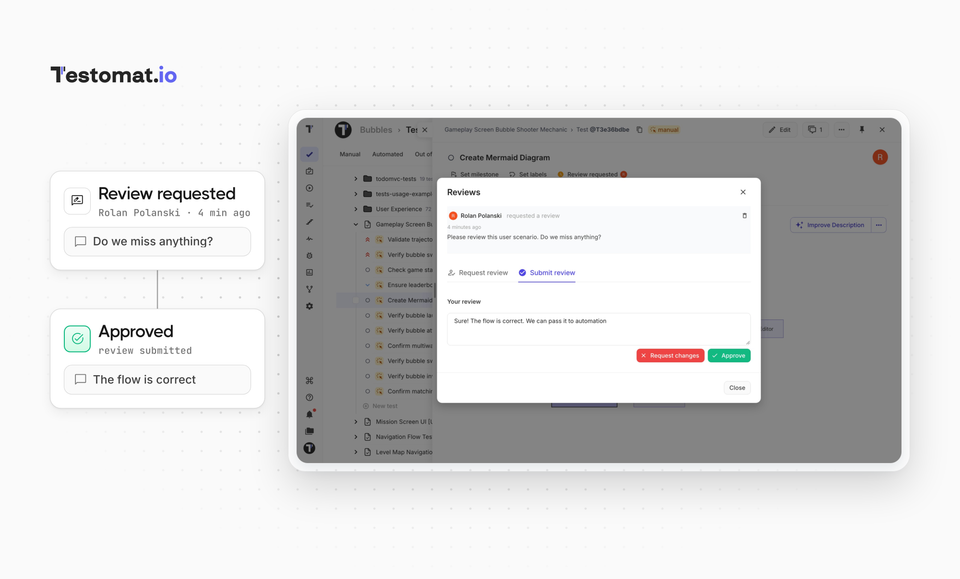
Bring test reviews directly into Testomat.io. Request a review from specific teammates or anyone eligible in the project, then approve the item or request changes with an optional comment.
Review statuses, notifications, discussion history, filters, bulk actions, and dedicated Review requested views make it easier to track pending feedback across tests, suites, runs, and branches. Role-based permissions ensure that review requests and decisions are managed by the right team members.
Comments for Test Plans
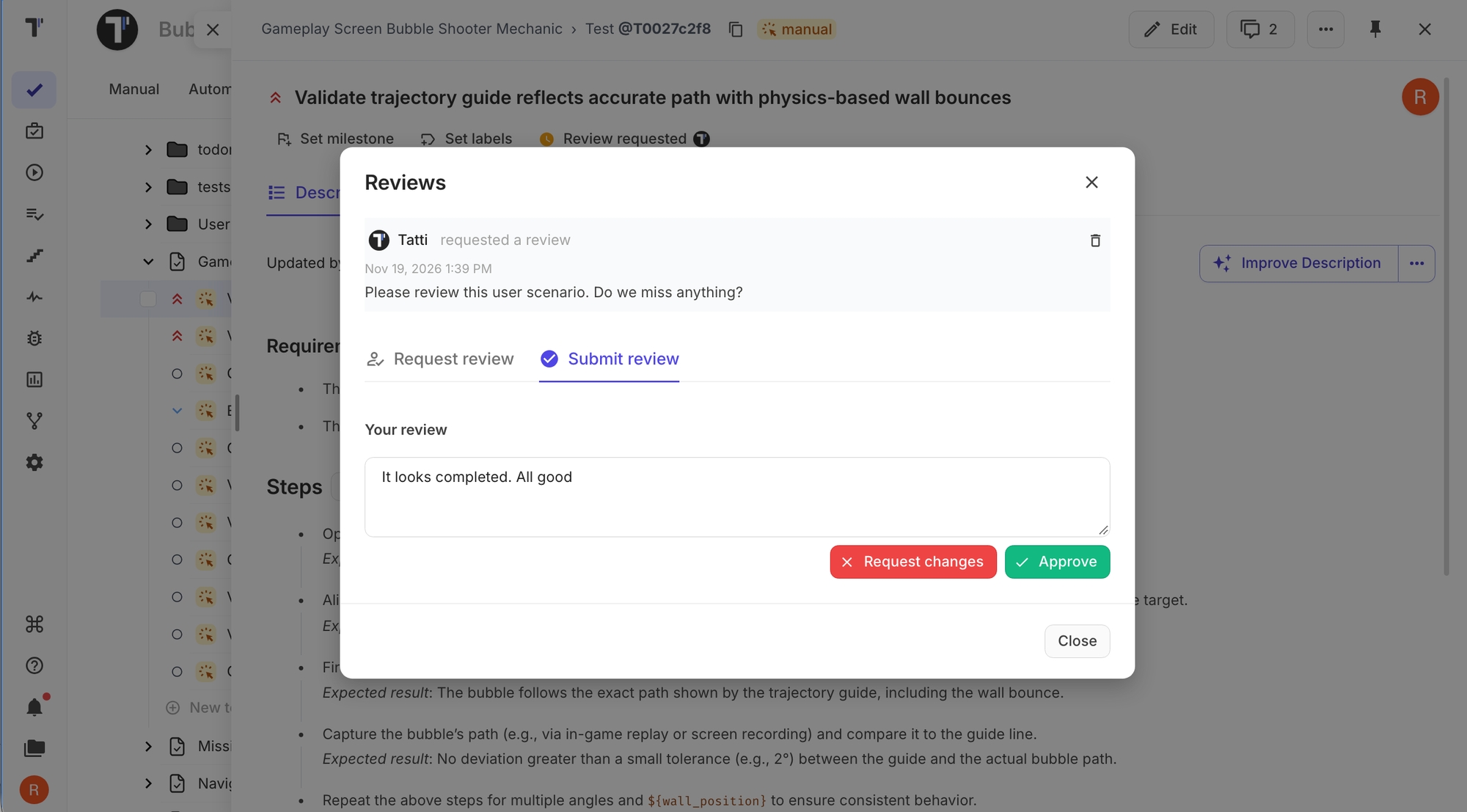
Collaborate directly on Test Plans by adding comments, sharing feedback, and mentioning teammates with @mentions. Comments support Markdown, notifications, editing, deletion, and a visible counter in the Plan header.
Runs And Reporting Enhancements
Run Group Combined Report
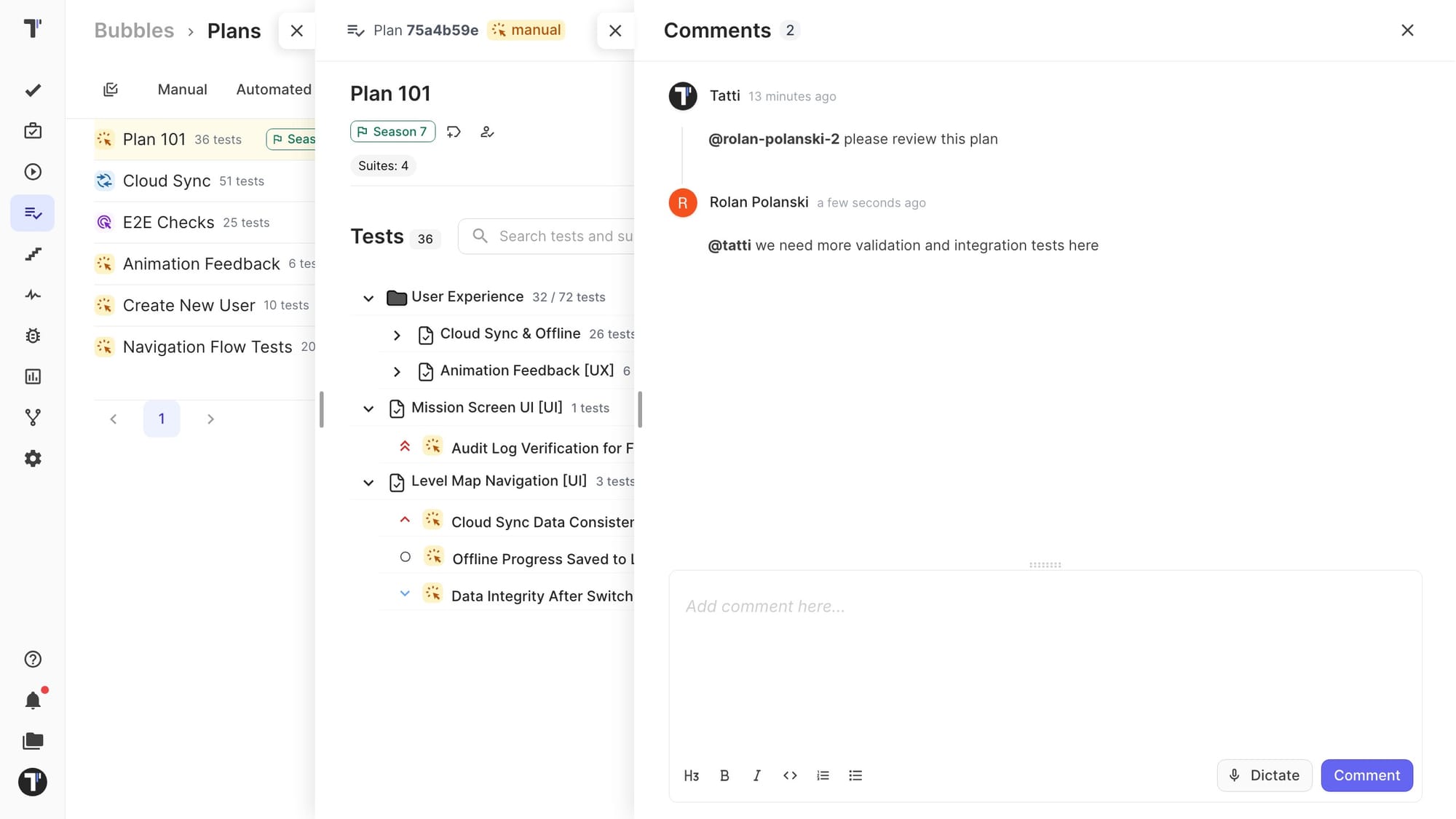
View all test runs in a Run Group through one consolidated report. Track overall progress, compare individual runs, review status distribution, and see defects across the entire group without opening each run separately.
The report supports ongoing groups as well as completed executions, helping teams monitor results across environments, configurations, and nested test runs from one place.
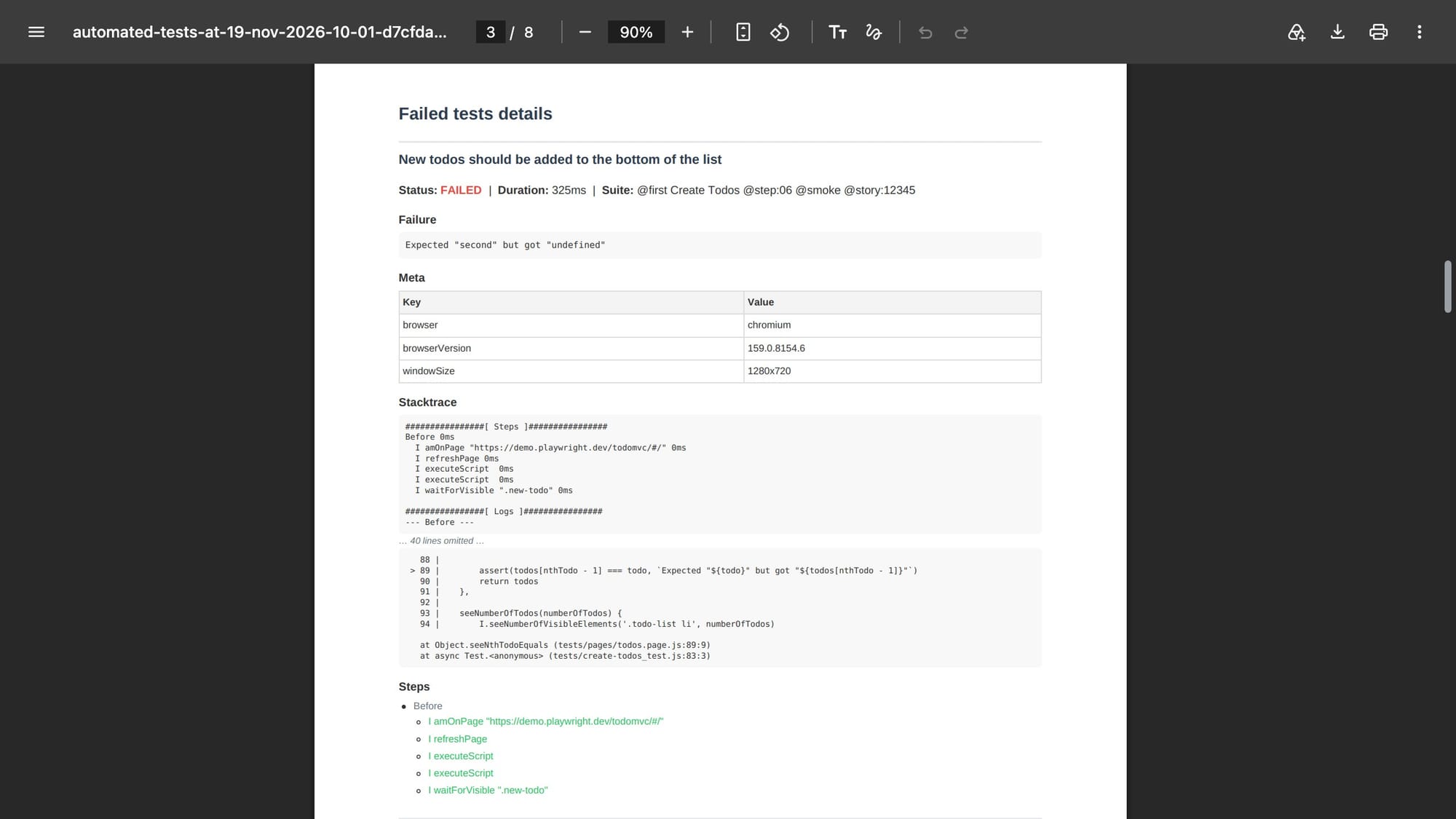
Detailed Failed Tests in PDF Reports
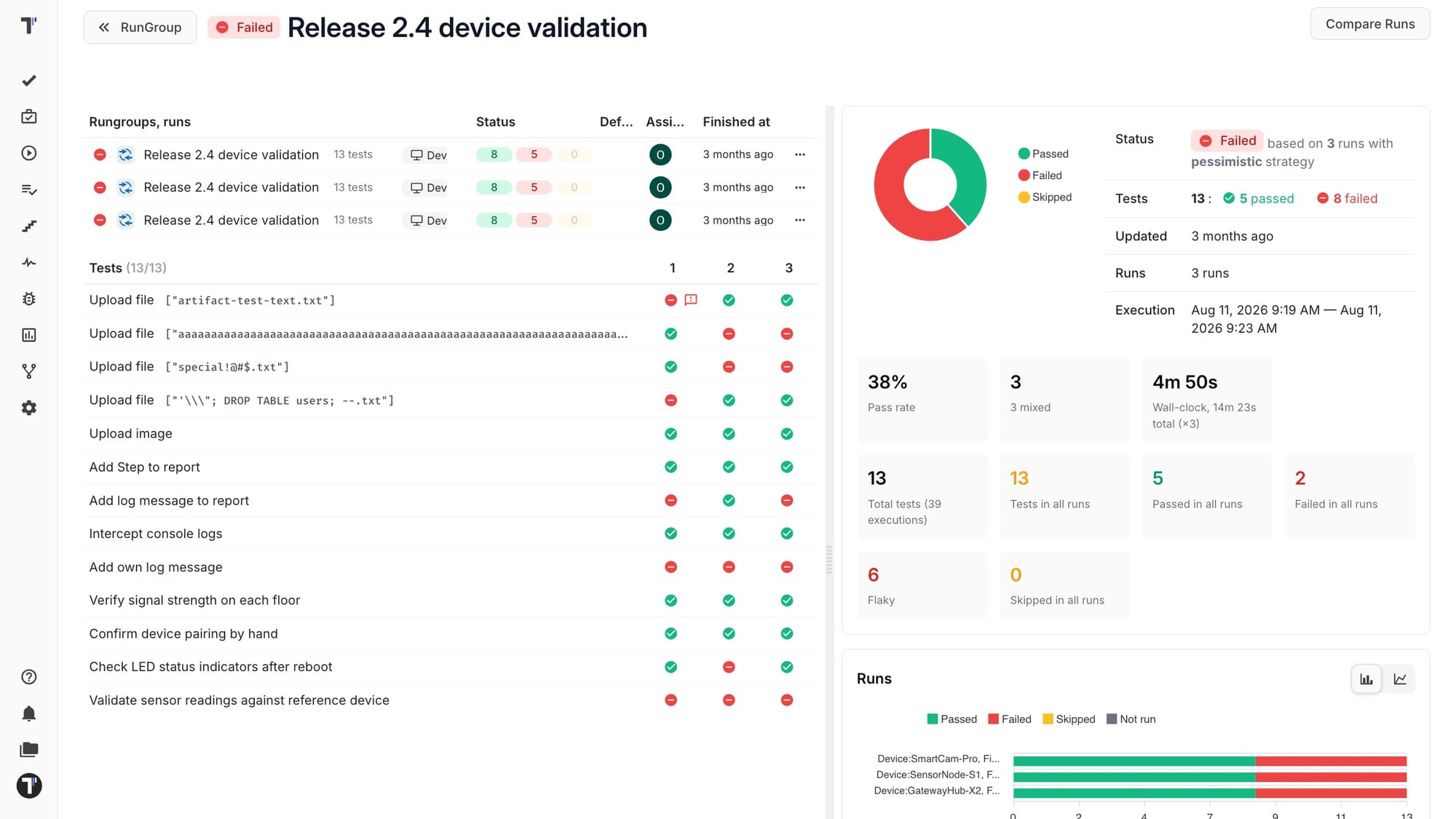
PDF run reports now include a dedicated Failed Tests Details section, making exported reports more useful for clients and external stakeholders.
Each failed test includes its failure message, metadata, partial stack trace, step statuses, expected results, and attached artifact names. Screenshots are not embedded in the PDF yet, but remain available in Testomat.io.
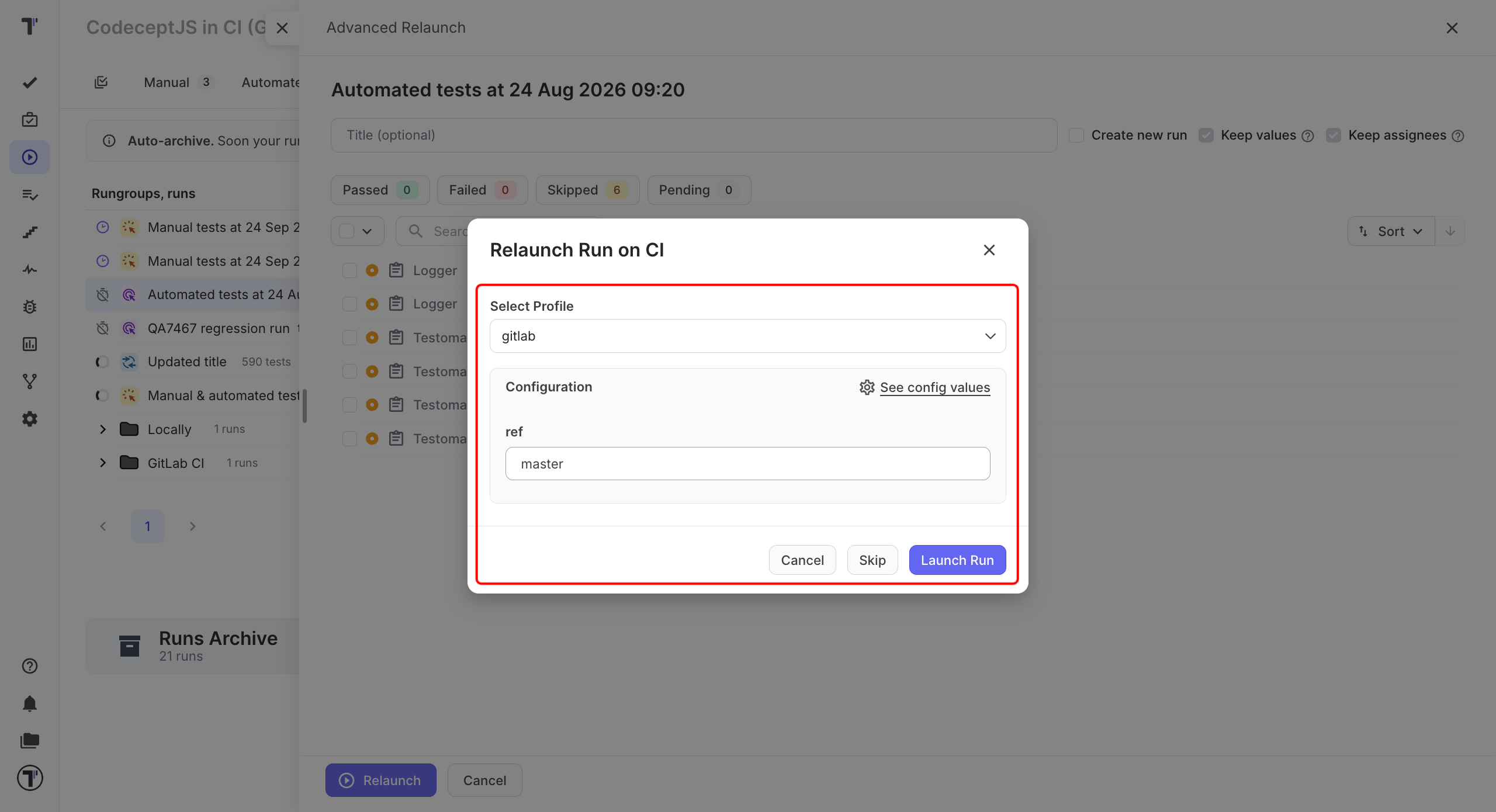
Select a CI Profile During Advanced Relaunch.
Choose which configured CI integration should execute an automated or mixed run. The profile used by the original run is selected by default.
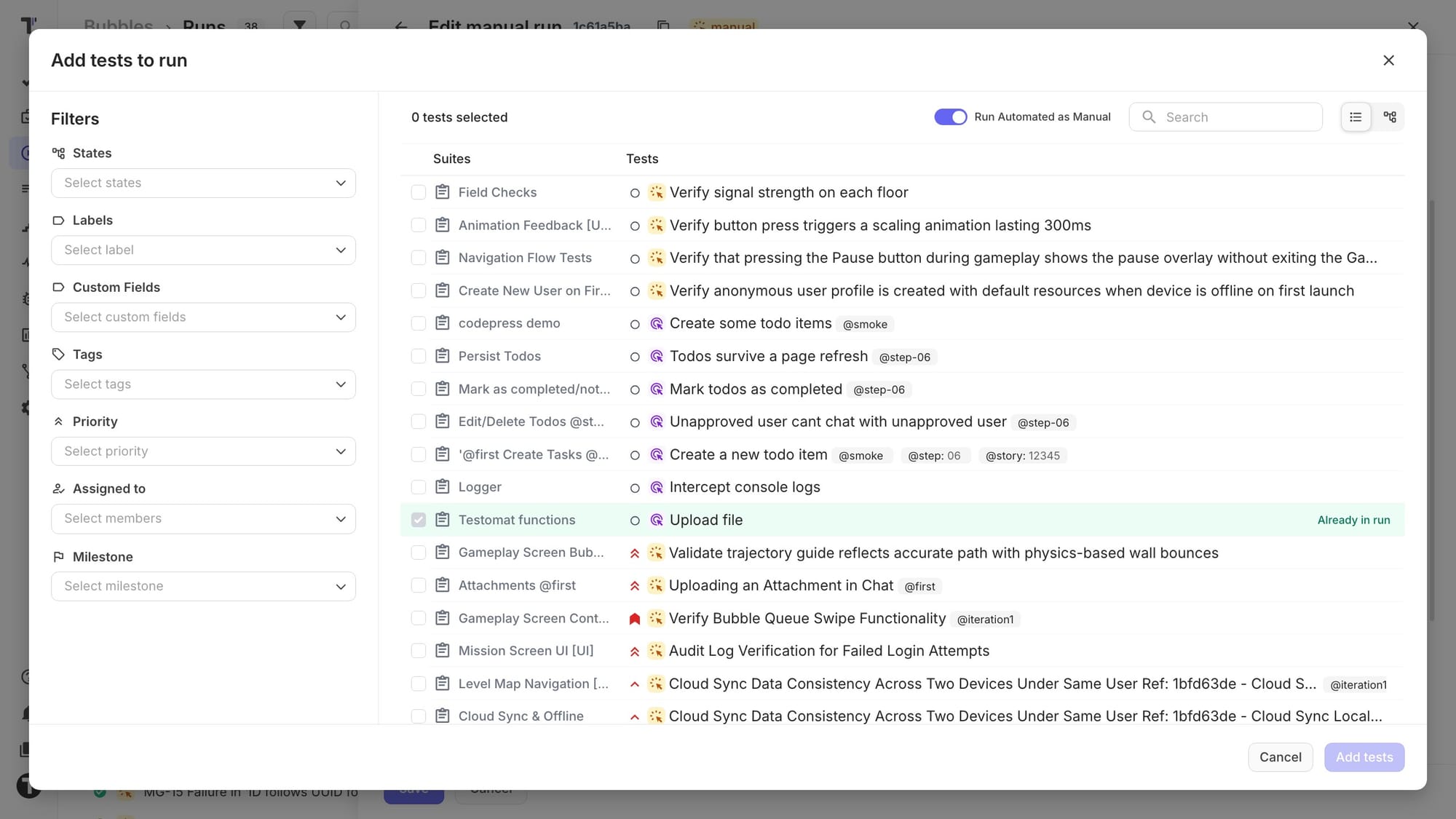
Run Editor Updates
- Add tests to an existing run individually or from multiple test plans, including plans of different types for mixed runs.
- Browse run tests in either list or tree view, with the selected view remembered for future editing sessions.
- Search and filter available tests, select matching tests in bulk, and clearly see which tests are already included or incompatible with the run type.
- Remove and re-add tests more reliably without false error messages or tests unexpectedly remaining excluded.
- Keep partially edited suites visible and test counters accurate while adding or removing tests.
- Preserve the plan’s Run Automated as Manual setting when editing a run.
- Synchronize a run after its source plans change, even when the stored run configuration itself has not changed.
- Open suites correctly from configuration details and copy the run ID directly from the editor.
Finish All Pending Runs
Close every unfinished run in a Run Group with a single action—including runs inside nested subgroups, scheduled runs, paused runs, and runs still in progress.
Testomat.io shows the number of affected runs before confirmation. Pending tests are marked as skipped, while existing passed and failed results are preserved, keeping the group’s final report accurate and complete.
Issue Tracking and Requirements
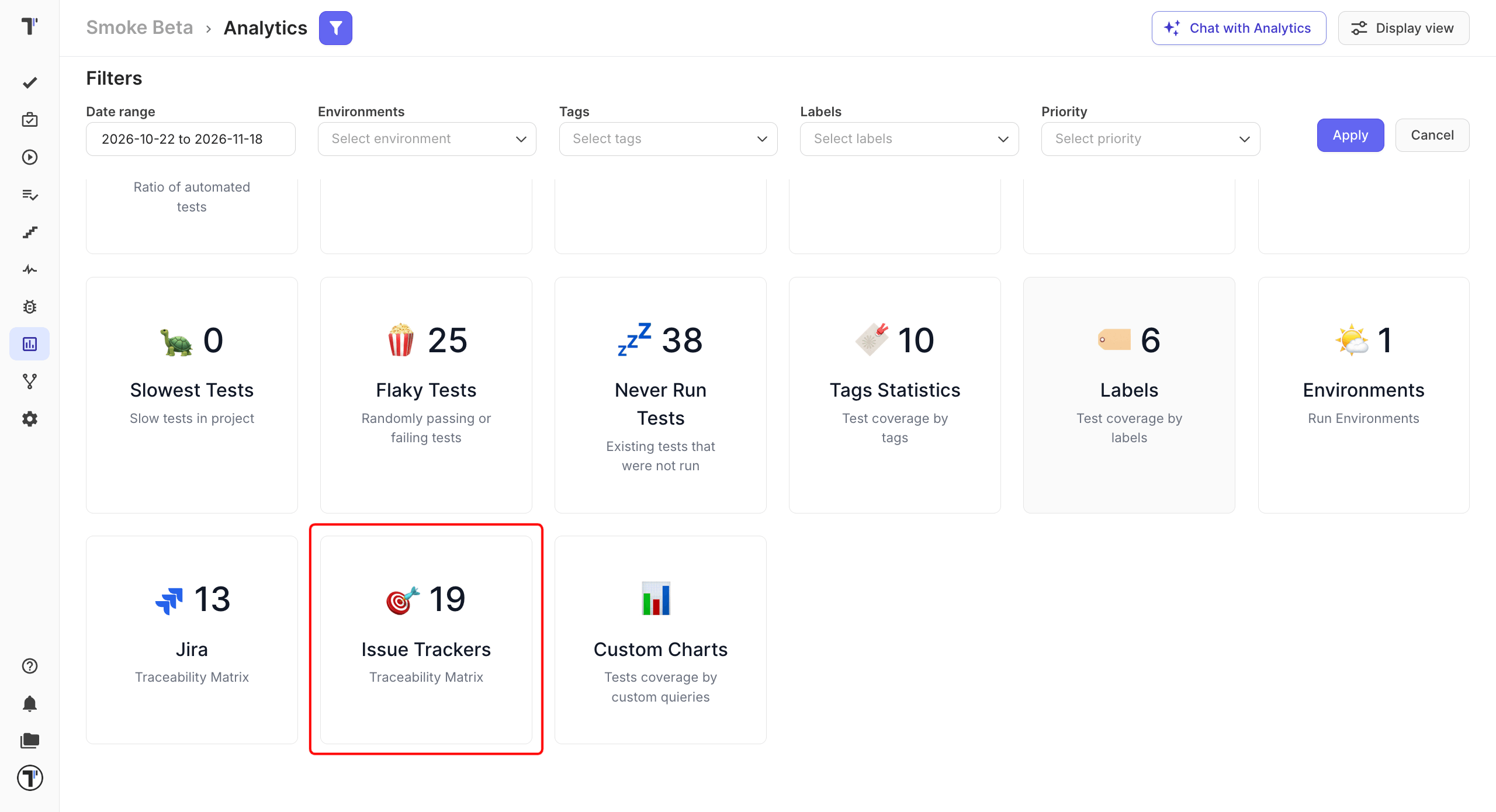
Issue Trackers Analytics Widget
Track testing coverage for issues from connected tools such as GitHub, GitLab, Linear, and Plane directly from the Analytics dashboard.
The widget shows each linked issue with its current state, associated tests, latest test results, and automation coverage. Open an issue to review its linked tests and quickly identify untested requirements or failing coverage without switching between tools.
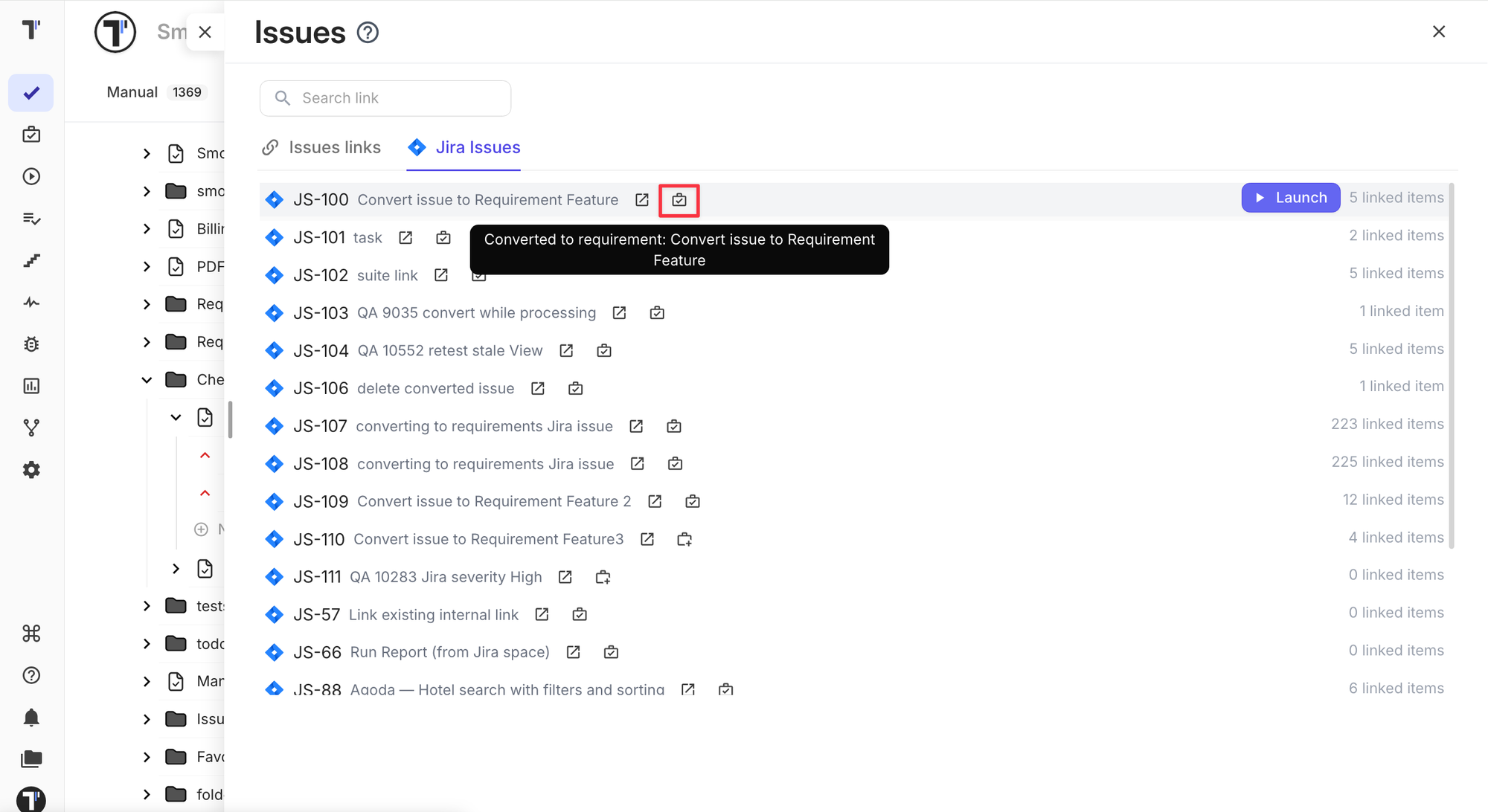
Convert Linked Issues Into Testomat.io Requirements
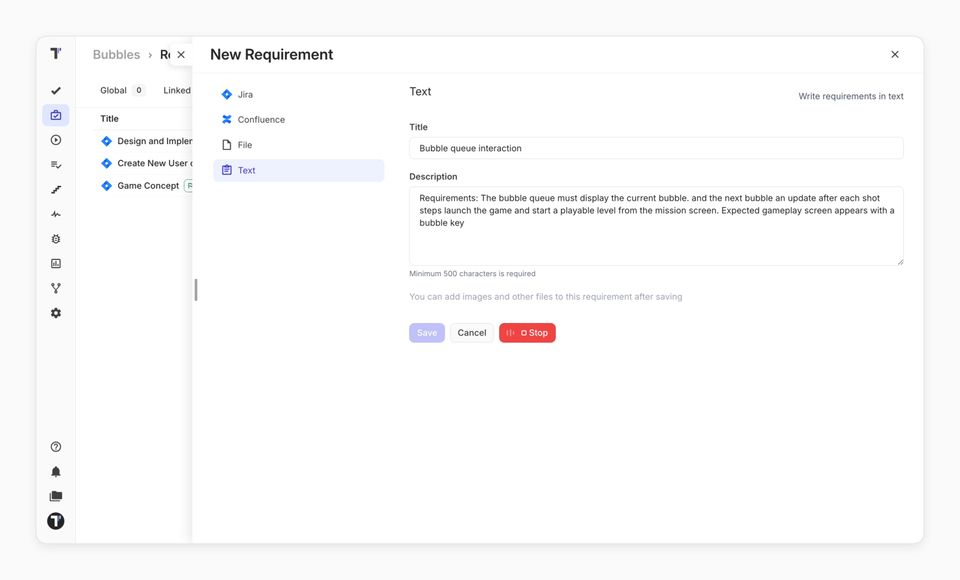
Convert linked Jira issues and Confluence pages into Testomat.io requirements in one click. Existing test and suite connections are preserved, giving you immediate traceability without duplicating work.
🔗 Linear integration updates
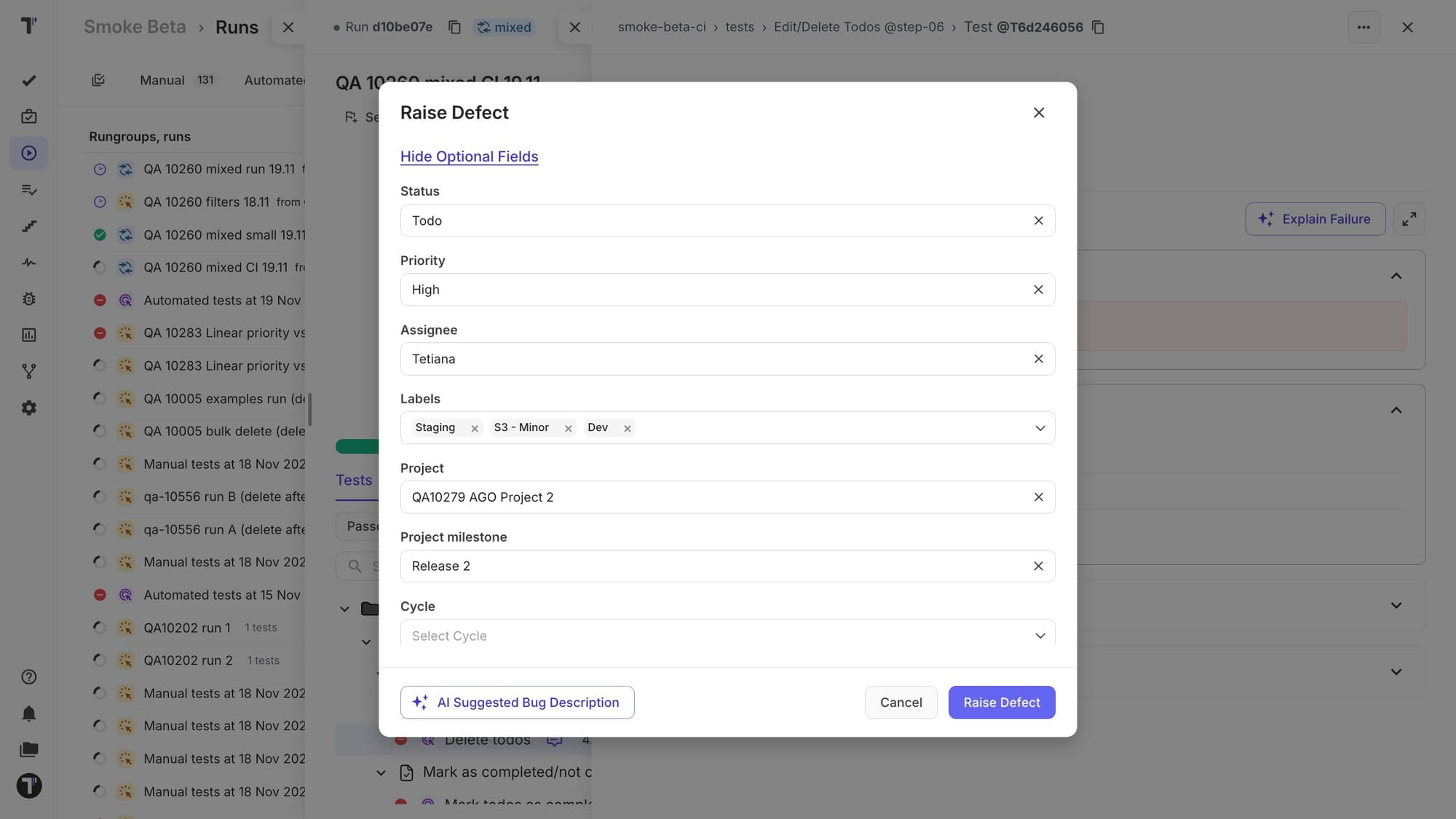
- Create Linear issues directly from Testomat.io with richer fields, including status, priority, assignee, labels, project, milestone, cycle, estimate, due date, and parent issue.
-
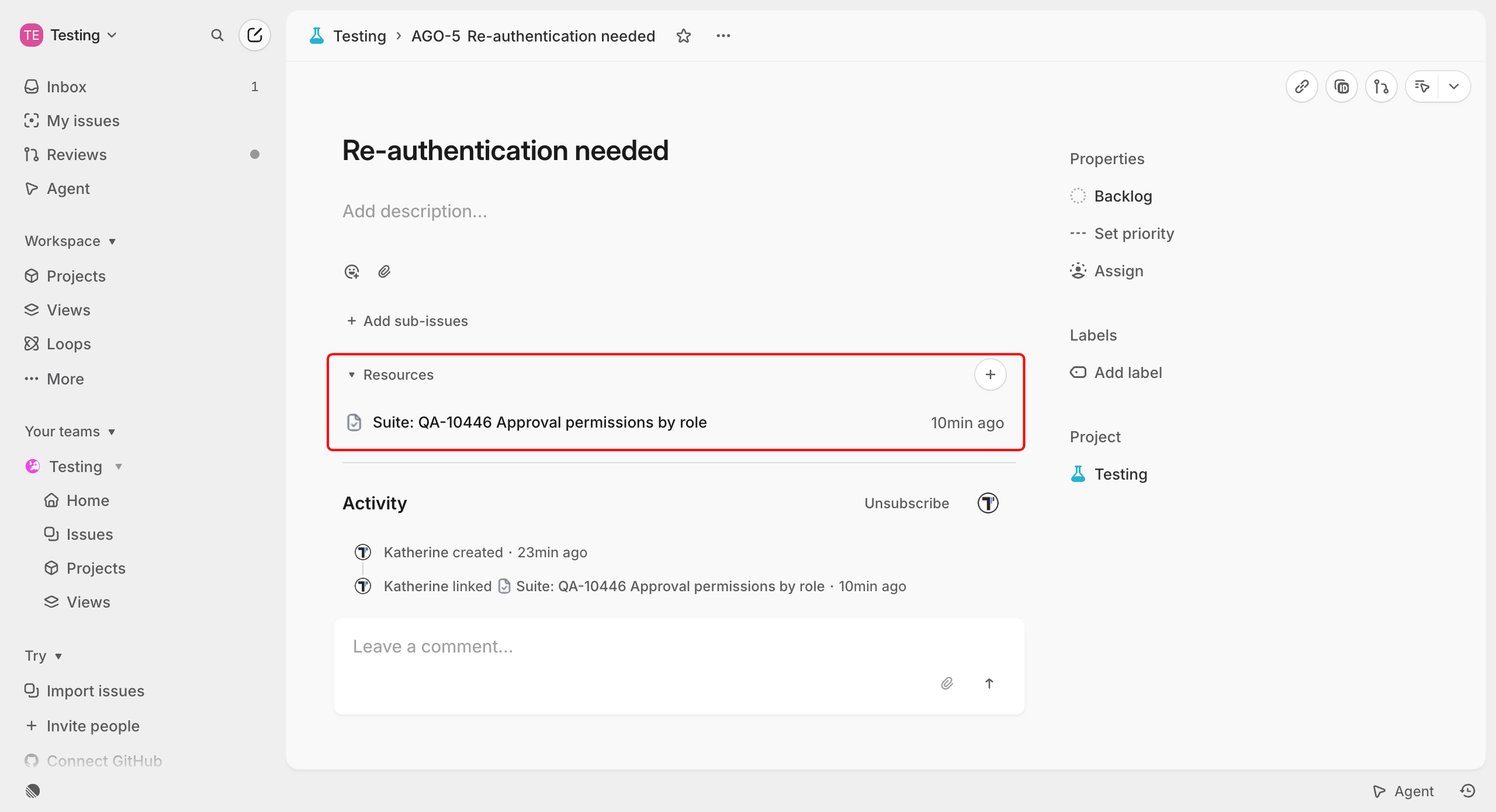
See linked Testomat.io tests, suites, requirements, and runs as rich resources inside Linear, with execution status and run details kept up to date.
-
Link Linear issues more reliably using either a full URL or a short key such as
TES-7; automatic tracker detection no longer misidentifies Linear keys as Jira issues. -
Choose the correct Linear connection when a Testomat.io project has multiple issue-tracker profiles.
-
Link test plans to Linear issues from the plan menu, bringing Linear workflows in line with the existing Jira experience.
-
Analyze Linear issues in the Issue Trackers analytics view, including their linked tests and testing coverage.
-
Different Linear URL formats are now recognized as the same issue, preventing duplicate entries in analytics.
-
The priority selected while creating a Linear defect is preserved instead of being overwritten by the Testomat.io severity.
BDD and Living Documentation
Multilingual Gherkin Support
Write, import, and synchronize BDD feature files in your preferred language. Testomat.io now recognizes all 80 Gherkin dialects from the official Cucumber dictionary, including French, German, Spanish, Portuguese, Ukrainian, Japanese, and more.
Simply add a language header such as # language: fr to your feature file. Localized keywords are recognized automatically, while your original scenario text remains unchanged.
# language: fr
Fonctionnalité: Connexion

  Scénario: Connexion réussie
    Soit un utilisateur enregistré
    Quand il saisit des identifiants valides
    Alors son tableau de bord est affiché
Passcode-Protected Living Docs
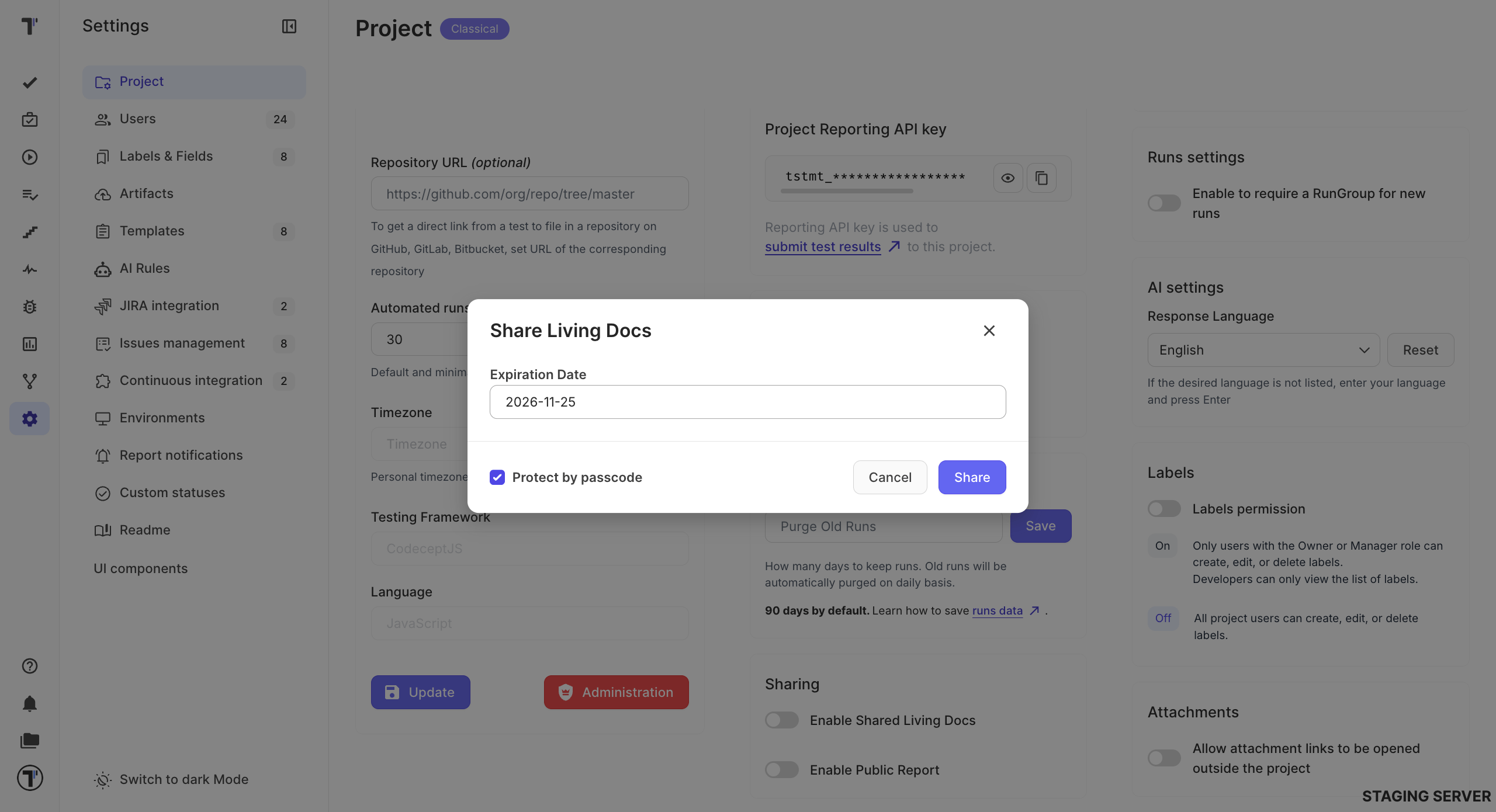
Share Living Docs securely with clients and external stakeholders using an optional five-digit passcode and expiration date. Guests can open the shared project, suites, tests, and embedded documentation without a Testomat.io account. The passcode is displayed when the link is created, while expired links are automatically disabled. Projects can still be shared without a passcode when open access is preferred.
Company IP restrictions
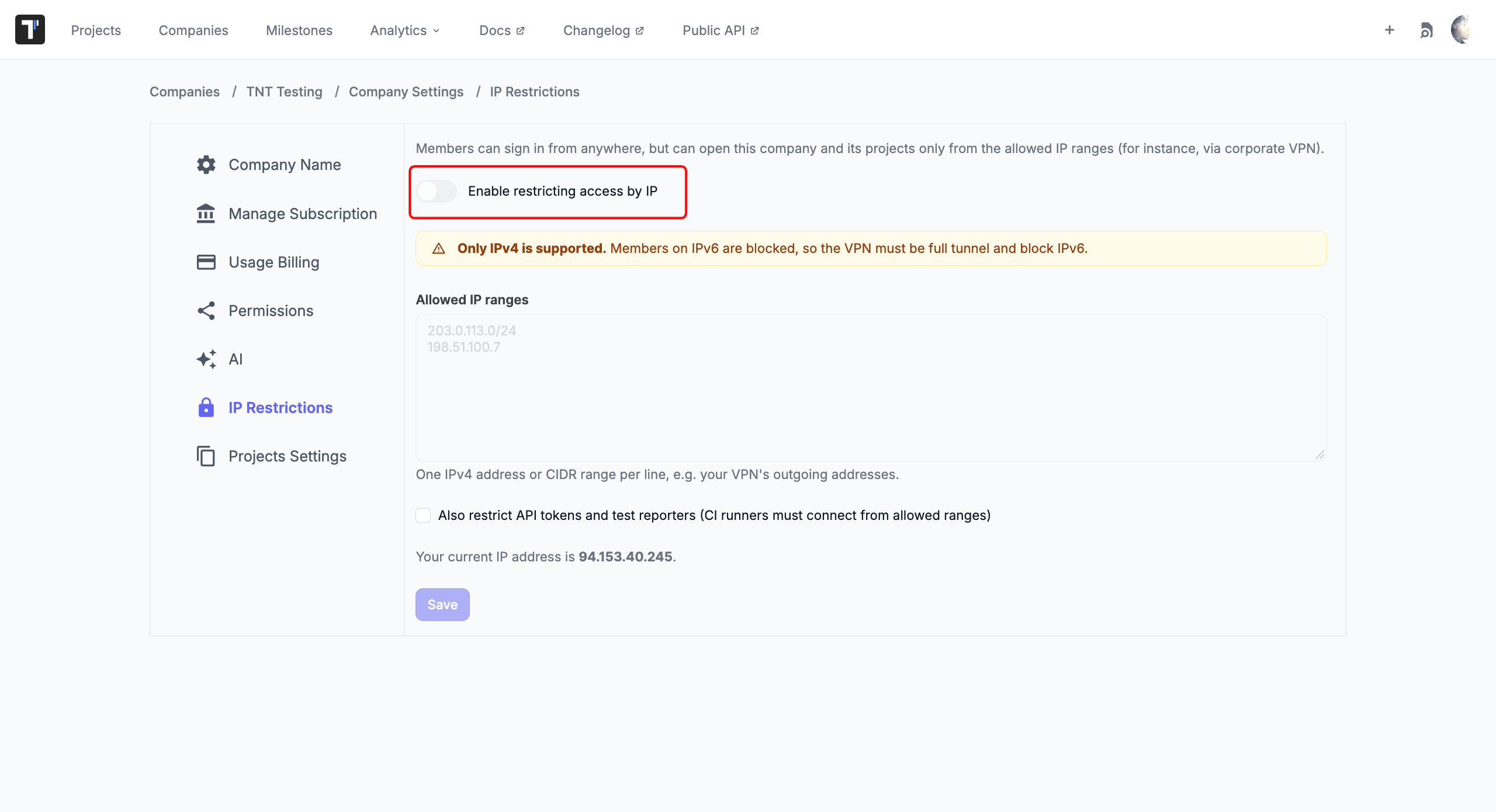
Company IP restrictions let an Enterprise company owner set allowed IPv4 addresses or ranges in Company Settings → IP Restrictions. Members can still sign in from anywhere, but outside those ranges they cannot access the company or its projects, and IPv6 connections are blocked while filtering is enabled. The owner can still reach the settings page to fix a lockout, while API tokens and test reporters are restricted only if the owner enables that separate option.
Updated Testomat.io Query Language Editor UI
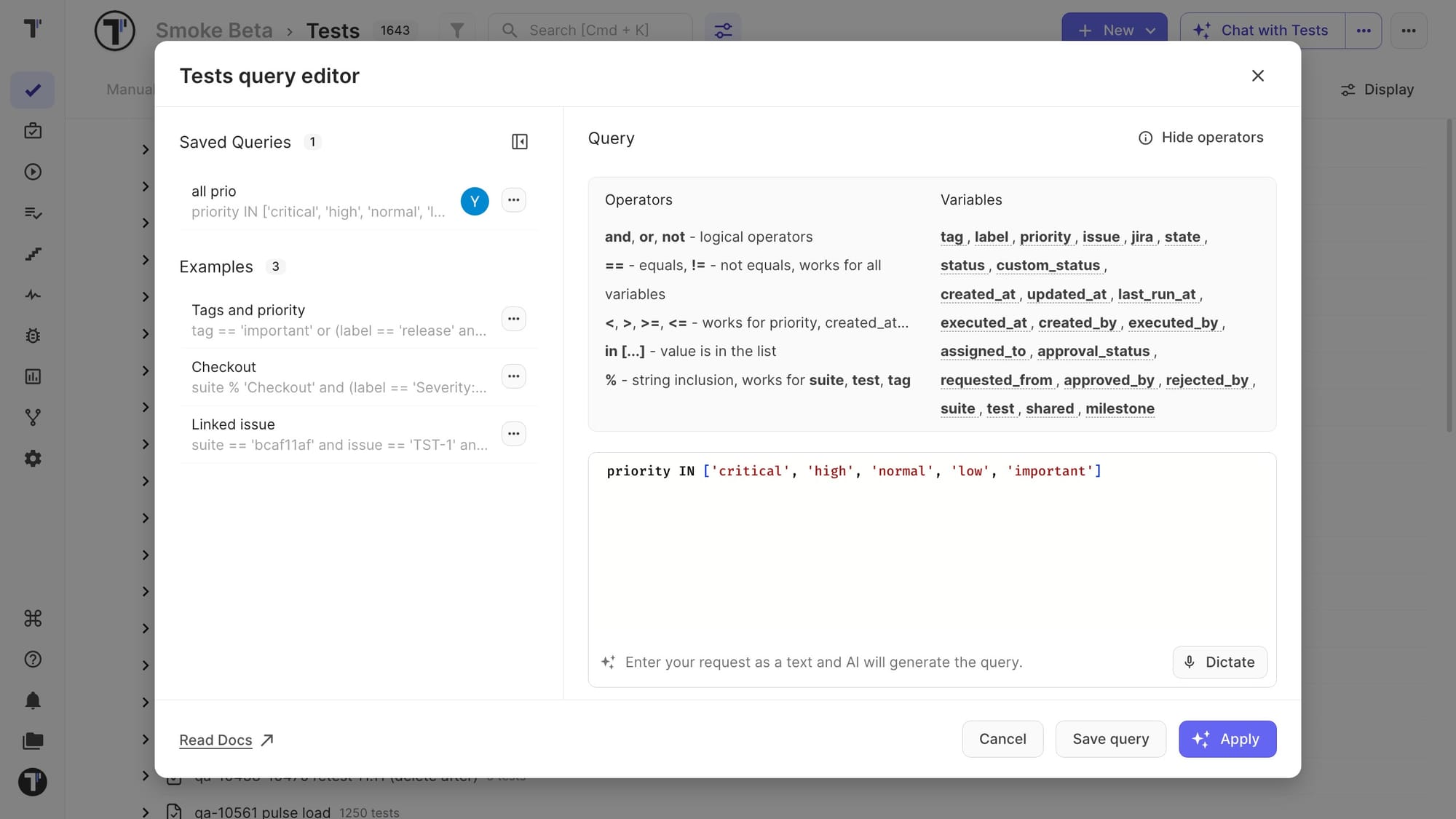
The redesigned TQL Editor makes advanced filtering easier to build and reuse. Browse documentation, examples, history, and saved queries from a clearer layout, then review or adjust a saved query before applying it.
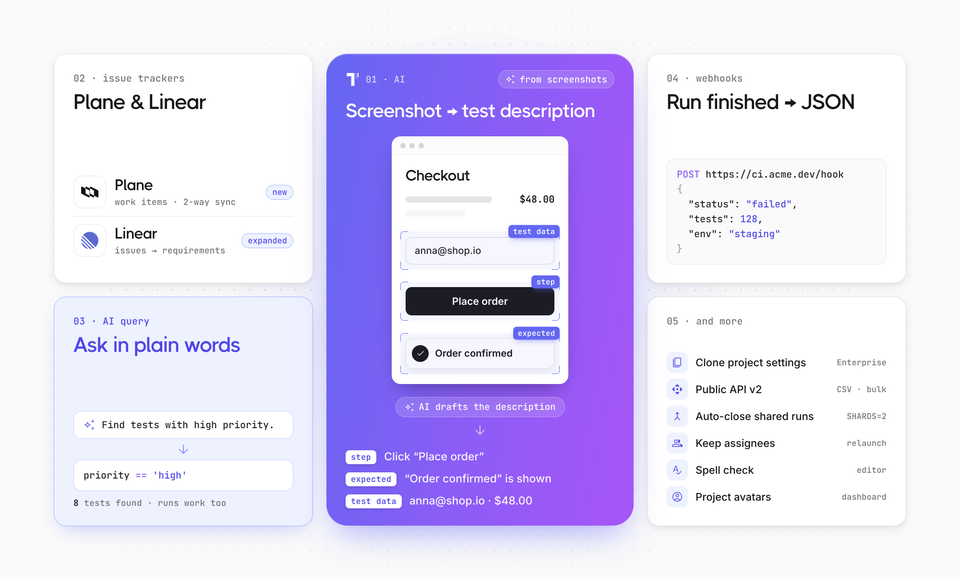
You can also describe what you need in plain language and let AI convert it into a valid TQL query. Improved validation and unsaved-change protection help prevent empty queries and accidental loss of work.